Video
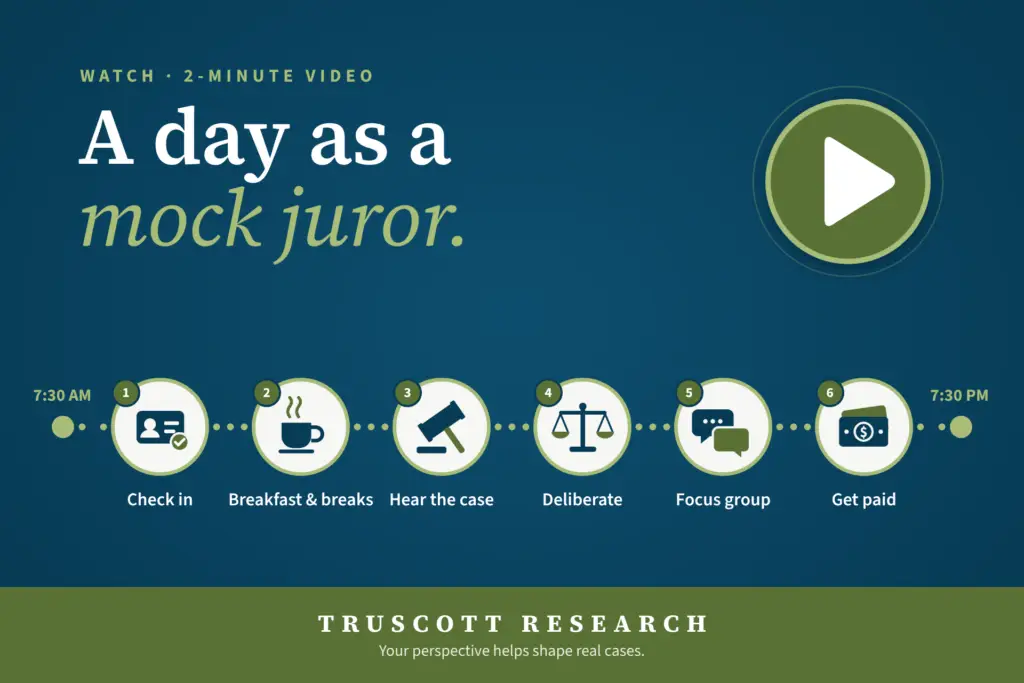
A Day in the Life of a Mock Juror
Our director of recruiting walks you through a real event — from check-in and breakfast to deliberation and getting paid.
Yes. You can join from your phone or tablet, or a computer.
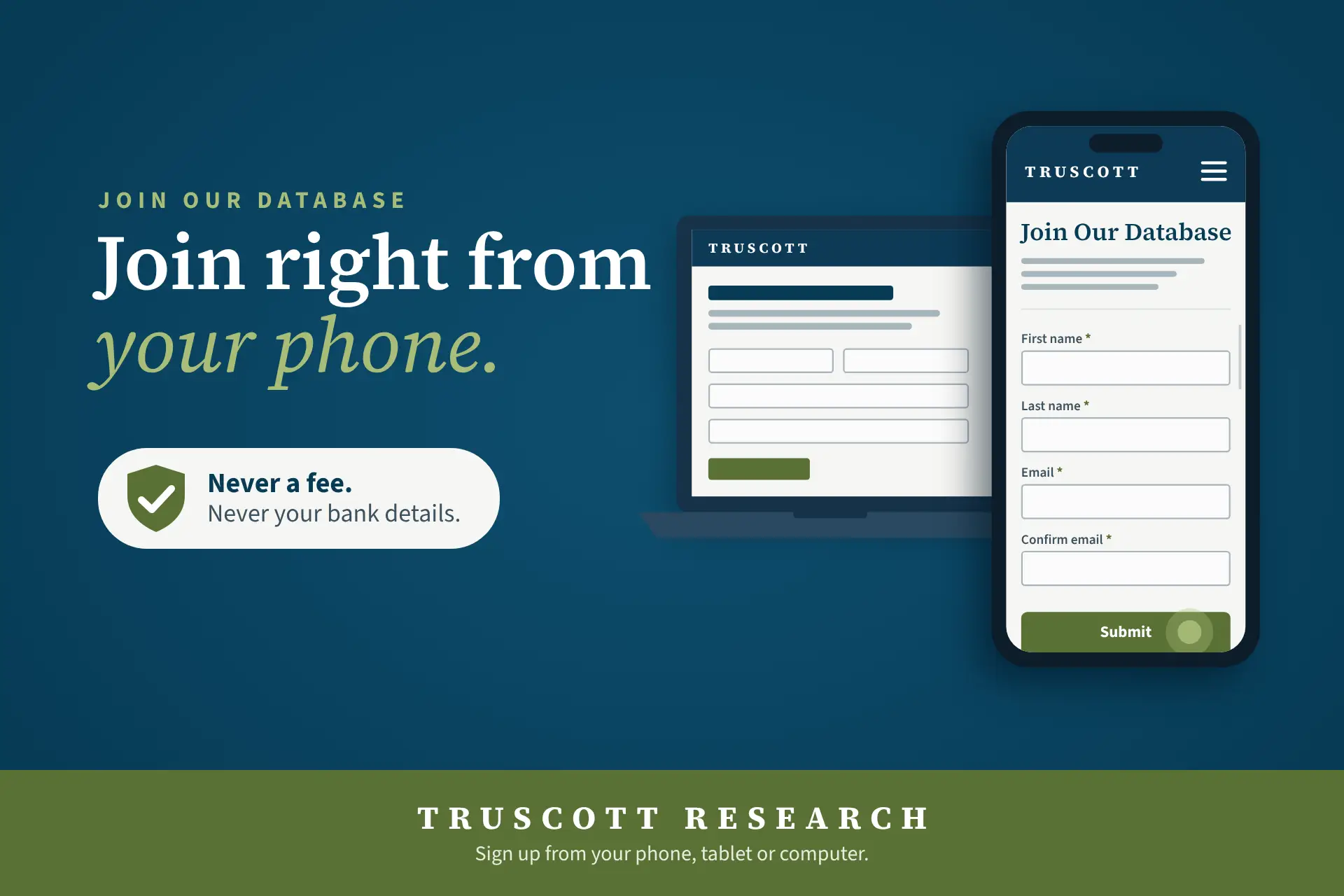
Yes. You can join from your phone or tablet, or a computer. Our sign-up page adjusts to fit smaller screens, so you won’t need to zoom in or switch to a desktop to finish.
On a mobile device, tap the Join Our Database button. Scroll past the overview to reach the sign-up form. :
Already joined? Tap Sign In near the top of the page to get to your account from any device.
Tip: After you join, look for our confirmation email on your phone, and check your spam or junk folder if you don’t see it. We’ll never ask you to pay a fee or share bank details.
Keep Reading
Video
Our director of recruiting walks you through a real event — from check-in and breakfast to deliberation and getting paid.
Article
From check-in to payment, here's how a typical Truscott Research event day runs — and how to arrive prepared.
Article
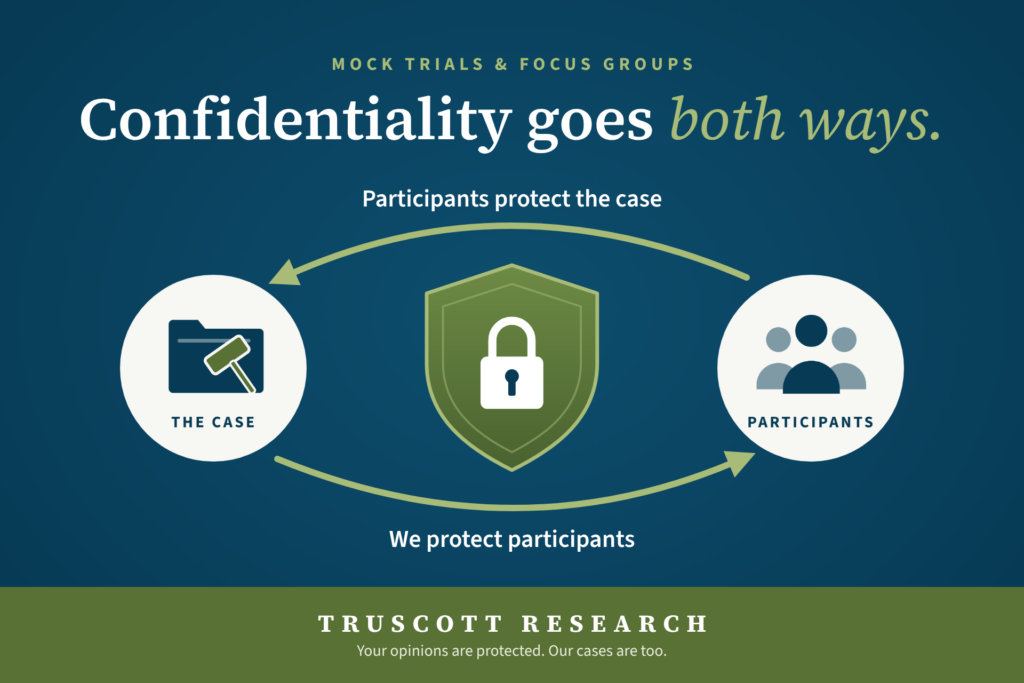
What this means in practice: Don't discuss the case, post about it, research it online, or take notes or recordings out of the session. You may say you took part in a paid research study.
Still have questions? See our participant FAQ or contact our team.